A delegate cannot find the invoice for her registration fee. An exhibitor’s stand has no power at ten past eight. A speaker’s flight is delayed, and his session starts at eleven. None of these questions is unusual. At most conferences, all three still end up in the same two places: a general inbox before the event, and one counter in the foyer once it opens, where whoever is on shift tries to find the person who can actually help.
An information email address and a counter in the foyer need a team behind them that can resolve questions. Without clear responsibilities, the queue grows while staff try to find someone who can help.
Before registration opens, assign common questions to an owner and agree how participants can reach them and when they will respond. If you lead operations for a congress or trade show, give the counter team those contacts and a way to escalate urgent requests.
What a conference help desk covers
Before the operations lead plans a single shift, fix the scope. Here, the help desk is every route by which attendees, exhibitors and speakers get answers from the organiser, from the day registration opens to the last invoice query. Each group brings different questions:
- Attendees: registration, invoices, programme, rooms, travel, the cloakroom, meetings and lost property.
- Exhibitors: build-up times, deliveries, power, internet, badges for stand staff and leads.
- Speakers: arrival, slides, technical checks and where to be when.
Check-in is the neighbour, not part of this list. How many check-in stations and badge printers you need, and why a separate lane for problem cases keeps the main queue moving, is covered in our guide to event check-in and badge printing. The help desk takes over once the badge is on the lanyard.
Map the questions before you staff the desk
The scope is wide, but the questions are rarely random. The best source is last year’s inbox: sort a few hundred emails and the counter notes into categories, and the same dozen questions come back in every edition.
Give each category four things: an owner, a first channel such as email or the FAQ (frequently asked questions) page, a target response time and a written answer. A first draft for a B2B congress with an exhibition might look like this:
| Question type | Typical question | Owner | First channel | Target response |
|---|---|---|---|---|
| Registration and tickets | ”Can a colleague use my ticket?” | Registration team | Email, FAQ page | One working day |
| Invoices and payment | ”The invoice needs our purchase order number” | Finance or registration | Two working days | |
| Programme and rooms | ”Where is the session on supply chains?” | Programme team | App, counter | On the spot |
| Venue and travel | ”How do I get here from the station?” | Operations | FAQ page, counter | On the spot |
| One-to-one meetings | ”My meeting partner has not arrived” | Matchmaking team | Meeting counter | Within the slot |
| Exhibitor services | ”Our stand has no power” | Exhibitor service | Phone, exhibitor desk | 30 minutes |
| Speakers | ”My flight is delayed” | Speaker manager | Phone | 15 minutes |
| Conduct and safety | ”Someone is making me feel unsafe” | Duty manager | Counter, phone | Immediately |
The response times are working values, not an industry standard. What matters is that the owner has agreed to them in writing. The written answers become the briefing sheet for the desk.
Before the event: one inbox, an FAQ page and honest response times
Most of those questions arrive weeks before the event, the cheapest moment to answer them. Use one shared inbox, not personal addresses, and tag incoming mail with the categories from the table, so finance sees invoice questions and nothing else. Answer the predictable questions where people look first: in the confirmation email and on an FAQ page on the event website. Every question that reaches the inbox three times is a missing line in one of them. Offer live chat only if someone staffs it at stated hours; an unanswered chat window is worse than an honest promise to reply by email.
Continuity matters as much as speed. In Zendesk’s CX Trends 2026 survey of more than 6,000 consumers in 22 countries, 74 per cent said they are frustrated when they have to repeat information (Zendesk, CX Trends 2026, November 2025). For a conference, that means the delegate who wrote on Monday about a wrong invoice address should not have to explain it again at the counter on Thursday. Give the counter read access to the inbox history, or at least a printed list of open cases by name.
The auto-reply deserves care too. Promise the response time you can keep in the final week, not the one you manage in a quiet month.
Support from registration launch to the debrief
- Launch Open one shared inbox Set categories from last year's questions and state a realistic response time in the auto-reply.
- 8 weeks Publish the FAQ page Answer the predictable questions on the event website and repeat the top ones in the confirmation email.
- 4 weeks Write the answer sheet One page per category: owner, phone number, written answer and what the desk may decide alone.
- Final week Add a phone line For exhibitors and speakers during build-up, staffed at stated hours.
- Day before Brief the desk team Walk the venue, test radios and the app, and work through five sample questions together.
- Event days Open before the first arrival Staff the counter from the first arrival to the end of the last session and log every question.
- 2 weeks after Close the log Answer the last invoice queries and turn the log into next year's FAQ page.
On site: where the information counter stands and who staffs it
Plan the location, staffing and information available at the counter before the event.
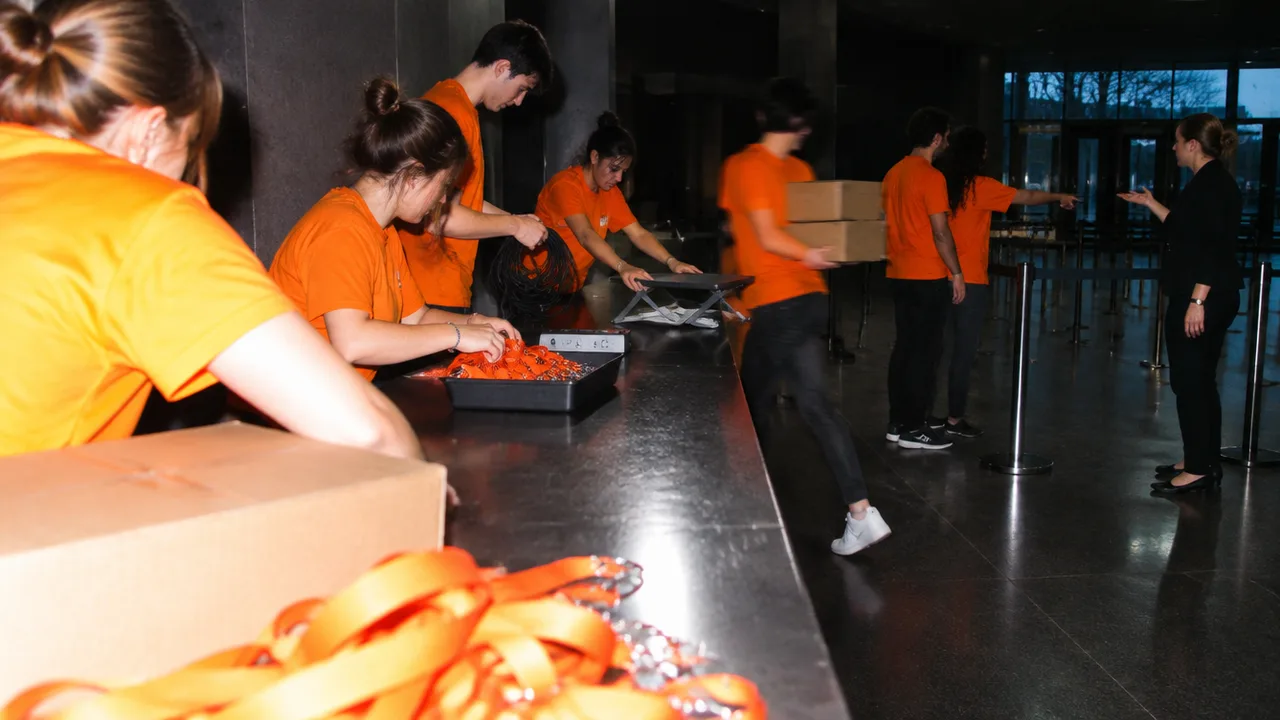
The first is location. Put the counter on the main route, visible from the entrance and clearly apart from the check-in desks. A counter inside the check-in area inherits its queue. In a venue with several halls, add a second, smaller point at the far end, because nobody walks back through two halls to ask where room C is.
The second is staffing. The busiest hours are predictable: the opening morning, the half hour after the first keynote and the last afternoon, when invoices, certificates and taxis come up. Plan at least one person per shift who can answer without phoning, with volunteers around that person. A runner who walks a delegate to the right room saves three explanations.
The third is language. International association congresses travel. ICCA, the International Congress and Convention Association, recorded more than 11,000 association meetings that took place in 2024 (ICCA, Country and City Rankings 2024, May 2025). To be counted, a meeting has to rotate between at least three countries and attract at least 50 participants in person (ICCA, Meeting Submission Guidelines, 2025). Vienna led the city ranking with 154 meetings. Many of your delegates will be in your city for the first time.
Questions about trams, pharmacies and where to eat are therefore not a distraction from the help desk. They are its work. Staff the languages that appear most often in your registration data. A delegate from Seoul who asks where to buy a tram ticket should get one sentence and a map, not a search on a volunteer’s phone.
Equip the desk like a control point, not a reception: a radio or messenger group with every owner from the table, the current programme, a floor plan, the list of open cases and a lost property log.
Exhibitors and speakers need their own service
Delegates are not the only people at the counter, and the other two groups run on different clocks. Exhibitors start asking on build-up day at seven, before any delegate arrives, about power, deliveries and badges, and each open question costs them money. An exhibitor without power at ten past eight is not asking for information. He is losing the morning he paid for.
Give exhibitors their own service desk in the hall, open from the first build-up day, with its phone number in the exhibitor manual; our guide to the exhibitor kit and exhibitor manual shows what else belongs there. Passes for stand staff and contractors cause many first-morning questions, and our article on exhibitor badges helps you settle them before anyone queues.
Speakers need one named contact, not three. Slides and technical checks belong in the speaker ready room, not at the information counter; delays go to the programme team, which updates the app. Write the cues for such changes into your run of show, so the counter learns about a moved session before the first delegate asks.
The meeting counter: questions about one-to-one appointments
If your event runs pre-booked meetings, one category needs its own desk, because it has the shortest clock of all. A meeting slot of 20 minutes cannot wait for an email reply. The questions are almost always the same: where is my table, my partner has not arrived, can I still add a meeting this afternoon.
Place a small meeting counter at the entrance of the meeting area, staffed from the first slot to the last. Helpers who walk the rows can check empty chairs five minutes into each slot and report them, so the counter can release the table or reach the missing partner. How to size such an area and number its tables is explained in our guide to the meeting area at trade shows.
Solution: In Converve, every participant sees the time and the table of each meeting in their personal schedule on the event website and in the mobile event app. Ticket types are set per participant group, so exhibitors, speakers and delegates register with the right access, and badges are checked by QR code at the entrance. Meetings come from a rule-based meeting matrix in which each confirmed meeting has a slot and a table. That is why the most common question at the meeting counter can usually be answered by the attendee’s own phone. More on the B2B matchmaking and event website and app pages.
Escalation: what the desk decides and what it passes on
The meeting counter shows the rule for the whole help desk: the desk answers, the owner decides. Write down what the counter may do alone, such as reprint a badge or book a free meeting table. Everything else follows three levels:
- The desk answers from the answer sheet.
- The owner from the table decides, such as finance on an invoice correction or exhibitor service on a stand problem.
- The duty manager handles safety, conduct, press and guests of honour. Usually that is the operations lead or a named deputy.
The third level needs the most preparation. If someone reports harassment, the counter must be a safe place to say so and know who to call within minutes. Our guide to a conference code of conduct explains how to set up that reporting route. For guests who are simply angry, the techniques in our article on conflict management at events help the desk calm a situation before it needs the duty manager.
Lost property needs a small process: a log with time, place and finder, one locked cupboard, and a handover to the venue agreed before the event, not on the last evening.
Measure what the desk heard
Every escalation and every routine answer leaves a trace if somebody writes it down. Log each question with a category and a time. After the event, three figures are worth reading:
- the number of questions per category and hour, which shows where the predictable peaks were;
- the share answered at first contact, which shows whether the answer sheet worked;
- the cases still open when the counter closed, which shows where an owner was missing.
Recurring questions go back into next year’s confirmation email, FAQ page and signage. A summary belongs in the post-event report, next to the figures from our guide to event KPIs. With that log, the operations lead plans next year with evidence instead of impressions.
Conclusion: decide before the doors open
Assign common questions to an owner, channel and response time. Answer recurring queries before the event and give exhibitors, speakers and people with meeting bookings the support contacts they need. Log questions at the counter so you can improve the information for the next event.
If you are planning a congress or trade show with exhibitors and pre-booked meetings and want to see how participant groups, schedules and badges come together, get in touch with Converve. More on our solutions for trade shows and congresses.
Frequently Asked Questions
What does a conference help desk do?
It answers questions from attendees, exhibitors and speakers before and during an event, from registration and invoices to rooms, meetings and lost property. It works best as a system: a shared inbox, an FAQ page, an information counter and named owners who decide what the desk cannot.
What is the difference between a help desk and check-in?
Check-in verifies arriving guests and issues badges. The help desk answers everything else. Keeping them apart stops long questions from slowing the check-in queue.
How many people should staff a conference information desk?
It depends on the event’s size and peaks. Staff most strongly on the opening morning, after the first keynote and on the last afternoon, with at least one experienced person per shift, supported by volunteers and a runner.
What response time should organisers promise before an event?
Promise only what you can keep in the final week, for example one working day for email and a phone line for exhibitors and speakers during build-up. Agree the times per category with the people who answer.
Should exhibitors have their own service desk?
Yes, if the event has an exhibition. Exhibitors start asking on build-up day, before delegates arrive, and their questions about power, deliveries and badges are urgent. A separate desk in the hall, with its phone number in the exhibitor manual, keeps those questions away from the delegate counter.